
Daitum can integrate with FoundU to bring up to date payroll data into Daitum and to publish the Optimised Roster back into FoundU.
Identifying your FoundU Domain
The first step to gaining access is to provide Daitum with your FoundU subdomain. The subdomain is the part of the web address before the ‘foundu.com.au’. In the example below, the subdomain is 'daitum-demo'

Once you have the domain, email it to support@daitum.com
Below is a template to cut and paste as the email content:
Please set up our FoundU integration. Our subdomain is:
Providing access to FoundU
Once we have received the sub-domain information, Daitum will configure the system ready for activation. We will give you access to the ‘data store’ option:
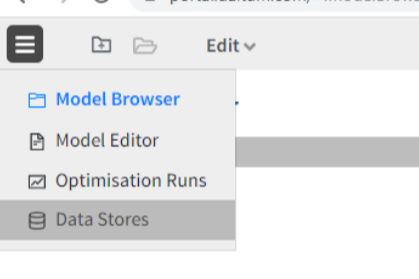
On the data store view you will see the FoundU integration choice. Click ‘Connect’ to activate:

This will open up FoundU with a request to authorise access:
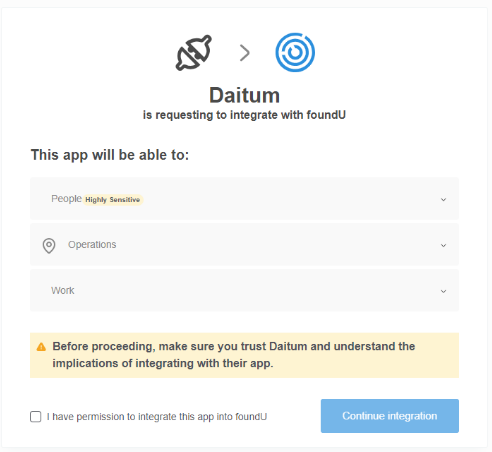
Check the box and click ‘Continue Integration’:
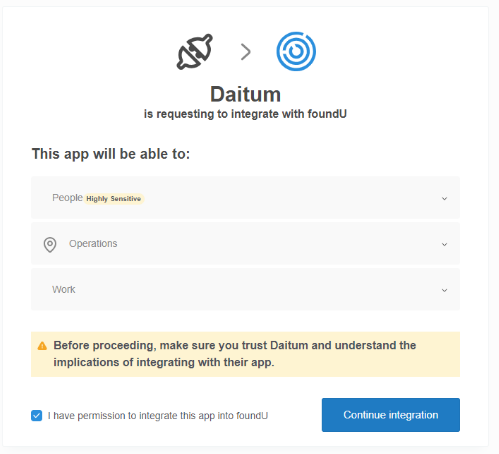
This will then provide Daitum with the access it needs and the Data Store will become active:
